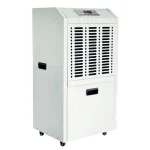
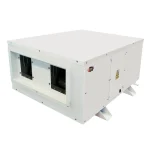
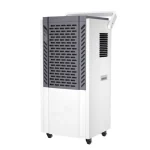
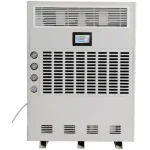
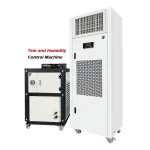
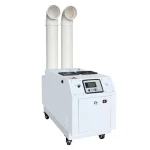
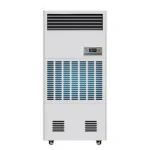
A dehumidifier removes excess moisture from the air to maintain stable indoor humidity levels. In large-scale facilities, humidity control is typically addressed as part of an overall environmental management strategy rather than as a standalone device decision. Industry guidelines commonly recommend maintaining indoor relative humidity below 60%, with 40–50% often considered optimal for commercial applications to reduce mold and corrosion risk.
Maintaining appropriate humidity levels helps reduce moisture-related risks and supports overall facility management. This guide explains how to use a dehumidifier correctly in commercial and industrial environments, including installation, operation, performance optimization, and troubleshooting.
Why Humidity Control Matters in Commercial and Industrial Environments
1. Warehouses & Storage Facilities
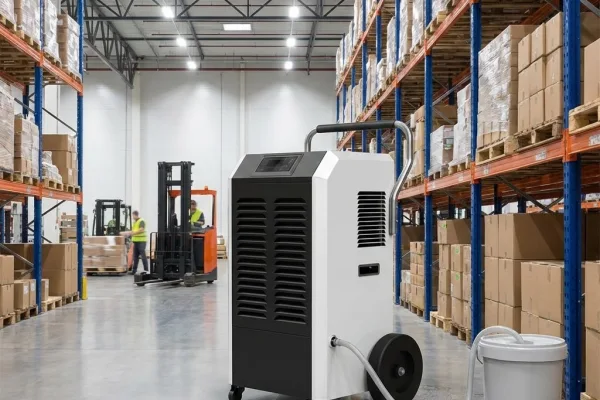
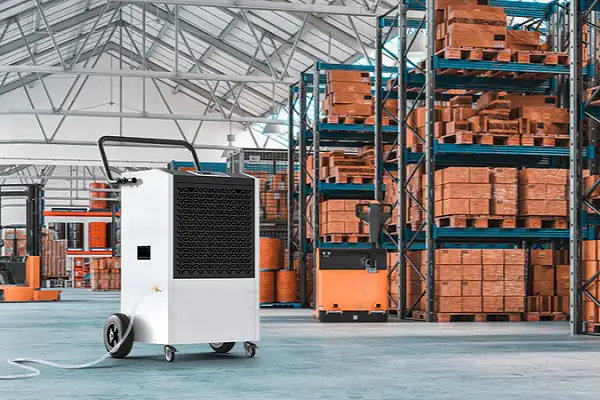
Warehouses storing paper, textiles, electronics, metal parts, or food products require controlled humidity to prevent mold growth, corrosion, and material degradation. Relative humidity above 60–70% increases the risk of condensation and microbial growth. Most storage environments maintain 40–50% RH to protect inventory and packaging.
2. Manufacturing & Production Lines
Many manufacturing processes require stable humidity conditions. For a broader overview of equipment types and industrial applications, refer to our [complete guide to industrial dehumidifiers].
- Food and beverage facilities: Prevent product clumping and condensation.
- Pharmaceutical production: Protect moisture-sensitive materials and finished products.
- Electronics and data centers: Maintain approximately 45–55% RH to reduce condensation and static discharge risks.
- Printing operations: Support paper stability and ink drying consistency. Humidity control supports process stability and product quality.
3. Commercial Buildings & Offices
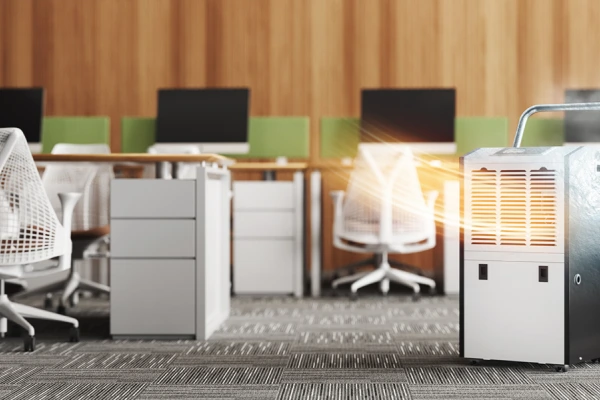
Offices, hospitals, and educational facilities typically maintain 40–60% RH to reduce condensation, mold risk, and indoor air quality concerns. Dehumidifiers may be integrated into HVAC systems for centralized control.
4. Cold Storage & Industrial Refrigeration
Cold storage warehouses and freezer rooms require moisture control to prevent frost formation and condensation. Desiccant dehumidifiers are commonly used in low-temperature environments where refrigerant-based units are less effective. Learn more about the working principles of a [desiccant dehumidifier manufacturer solution] for low-temperature humidity control.
5. Archives, Museums & Document Storage
Facilities storing paper, wood, textiles, or artifacts typically maintain 35–50% RH to prevent mold growth and material deterioration. Stable humidity control is essential for long-term preservation.
6. Basements, Crawl Spaces & Restoration Projects
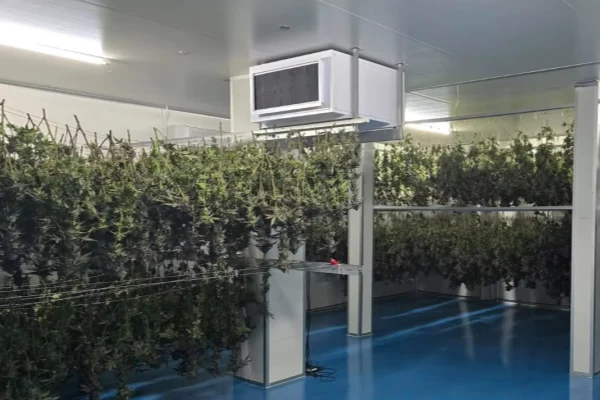
Basements and crawl spaces use dehumidifiers to reduce structural moisture risks. In water damage restoration, high-capacity LGR or desiccant dehumidifiers accelerate drying of building materials following leaks or flooding.
Step-by-Step: How to Use a Dehumidifier in Commercial Facilities
Understanding how to use a dehumidifier correctly begins with proper installation, accurate humidity target selection, and consistent operational monitoring. In commercial environments, these steps are typically aligned with facility management standards and equipment manufacturer specifications.
Step 1: Install and Position the Unit
- Place the unit upright on a level surface.
- If the unit was transported horizontally, keep it upright for several hours before startup.
- Position the unit:
- Near the center of the humid area or close to the moisture source
- At least 8–12 inches (20–30 cm) away from walls or obstructions
- Away from heat sources or direct sunlight
- Keep intake and discharge vents unobstructed.
- For large areas, distribute multiple units evenly to avoid dead zones.
Power connection: Use a properly grounded outlet with sufficient capacity. Avoid overloaded circuits and undersized extension cords. For projects requiring capacity evaluation, it is important to review [how to choose an industrial dehumidifier] based on room volume and moisture load.
Step 2: Set the Target Humidity Level
- Power on the unit and set the humidistat to the required RH level.
- Typical commercial reference ranges:
- Warehouses: 40–50% RH
- Data centers/electronics: 45–55% RH
- Archives: 35–50% RH
- General commercial spaces: 40–60% RH
Starting point: For most applications, start at 50% RH, then adjust based on site conditions and product/process requirements.
Step 3: Configure Drainage Before Continuous Operation
Choose one drainage method before leaving the unit running long-term:
Option A: Internal Tank
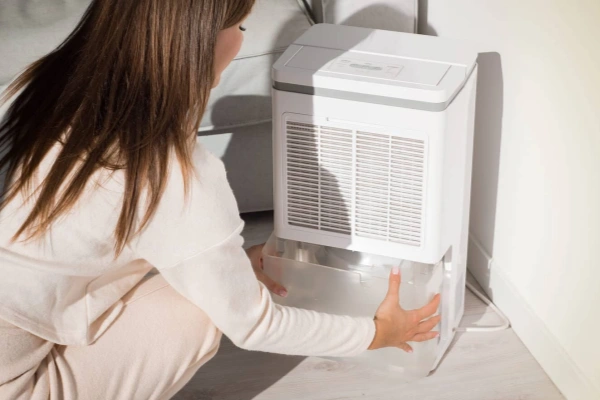
- The unit will shut off when the tank is full
- Empty and reinstall the tank correctly
- Suitable only when staff can check it routinely
Option B: Continuous Drainage (Preferred for B2B deployment)
- Connect a drain hose to the outlet
- Ensure a continuous downward slope (no kinks)
- Direct water to a floor drain, sump, or collection system
If the unit includes a condensate pump, it can discharge to an elevated drain.
Step 4: Start Operation and Confirm Stable Running Status

- Keep external doors and windows closed during operation to reduce moisture ingress.
- Confirm the unit is running normally:
- Fan operates continuously as expected
- Dry air discharge is present
- RH begins trending toward the setpoint(verify with an independent hygrometer if available)
Temperature note:
- Refrigerant models perform best above ~18°C (65°F)
- If operating in low-temperature environments, monitor for frost/ice and consider specialized [low-temperature dehumidifier solutions] designed for cold storage conditions.
Step 5: Maintain the Unit on a Routine Schedule
Filter
- Clean every 2–4 weeks
- Remove dust/debris
- Ensure the filter is fully dry before reinstalling
Drainage
- Empty tanks promptly (if using tank mode)
- Clean tanks to reduce microbial growth risk
- Inspect hoses for sediment, algae, or blockage
Periodic checks
- Inspect coils for dust accumulation
- Inspect the power cord and connections
- For HVAC-integrated or critical systems, schedule an annual professional inspection
Recommended Humidity Levels by Environment
| Environment | Recommended RH Range |
|---|---|
| Warehouses / Storage | ~40–50% RH for general goods (prevents mold & rust) |
| Offices / Commercial Spaces | ~40–60% RH for comfort (avoid >60% to prevent mold) |
| Data Centers / Electronics | ~45–55% RH for electronics (protects equipment, avoids static) |
| Archives / Museums | ~35–50% RH for archival materials (higher end for paper, lower for metal artifacts) |
Tips: Always tailor to your specific requirements – for instance, some pharma or specialty manufacturing processes may require even tighter humidity control.
For warehouse applications requiring high-capacity systems, consider reviewing our [industrial dehumidifier for warehouse applications].
Troubleshooting Common Dehumidifier Issues
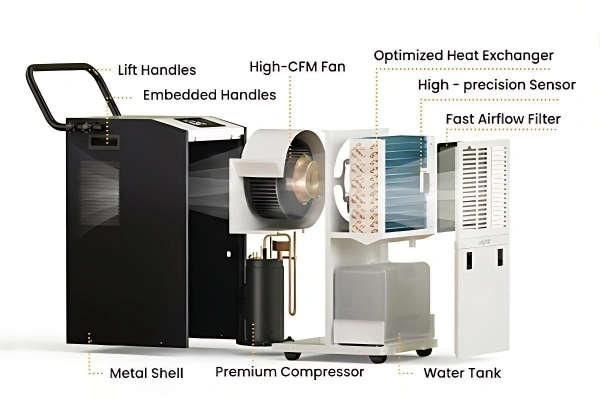
1. Unit Does Not Power On
Check:
- Power supply and circuit breaker
- Power cord connection
- Water tank position (ensure properly seated)
- Tank full indicator
- Reset or overload switch (if equipped)
If the power supply and tank position are normal, internal electrical components (fuse, wiring, control board) may require professional inspection.
2. Unit Runs but Does Not Collect Water
Check the following factors:
- Humidity setpoint:
Ensure the RH target is below the current room humidity. - Ambient temperature:
Refrigerant models may ice up below ~18°C (65°F).
Inspect coils for frost and allow defrosting if necessary. - Airflow condition:
Clean filters and intake grilles.
Verify fan operation. - Compressor operation:
Confirm the compressor is running.
If not, internal control or refrigerant issues may require service.
Low refrigerant or sealed system failure requires qualified technician support.
3. Excessive Noise or Vibration
Check:
- The unit is placed on a level surface
- No contact with walls or surrounding objects
- Fan blades are free of debris
- Panels and filters secured
Persistent mechanical noise may indicate motor or compressor component wear.
4. Water Leaking from the Unit
Check:
- The tank is properly installed and not cracked
- Drain hose is correctly connected
- Drain hose free of blockage
- Hose positioned with a continuous downward slope
- Unit placed level
Blocked drainage or improper hose routing is the most common cause.
5. Humidity Not Reaching Target Level
Evaluate:
- Equipment capacity relative to room size
- Presence of ongoing moisture sources
- Door and ventilation conditions
- Hygrometer accuracy
- Humidistat calibration
If the compressor runs continuously without reaching the setpoint, additional capacity or environmental adjustment may be required.
FAQ
Q: How do I know if I am using a dehumidifier correctly?
A: Room humidity should gradually reach the target RH. The unit should cycle automatically (in humidistat mode) without frost, leakage, or airflow blockage.
Q: How long does it take to see results when learning how to use a dehumidifier?
A: Initial humidity reduction may occur within hours. Stable control typically requires 24–72 hours, depending on room size and moisture load.
Q: What are common mistakes when using a dehumidifier?
A: Setting RH too low, blocking airflow, using tank mode for continuous operation, and undersizing the unit.
Q: How to use a dehumidifier efficiently in large spaces?
A: Distribute units evenly, use continuous drainage, set realistic RH targets (typically 45–55%), and verify performance with a hygrometer.
Q: Can a dehumidifier run continuously?
A: Yes, most commercial units support continuous operation when properly installed and drained.